— Guides · Feed
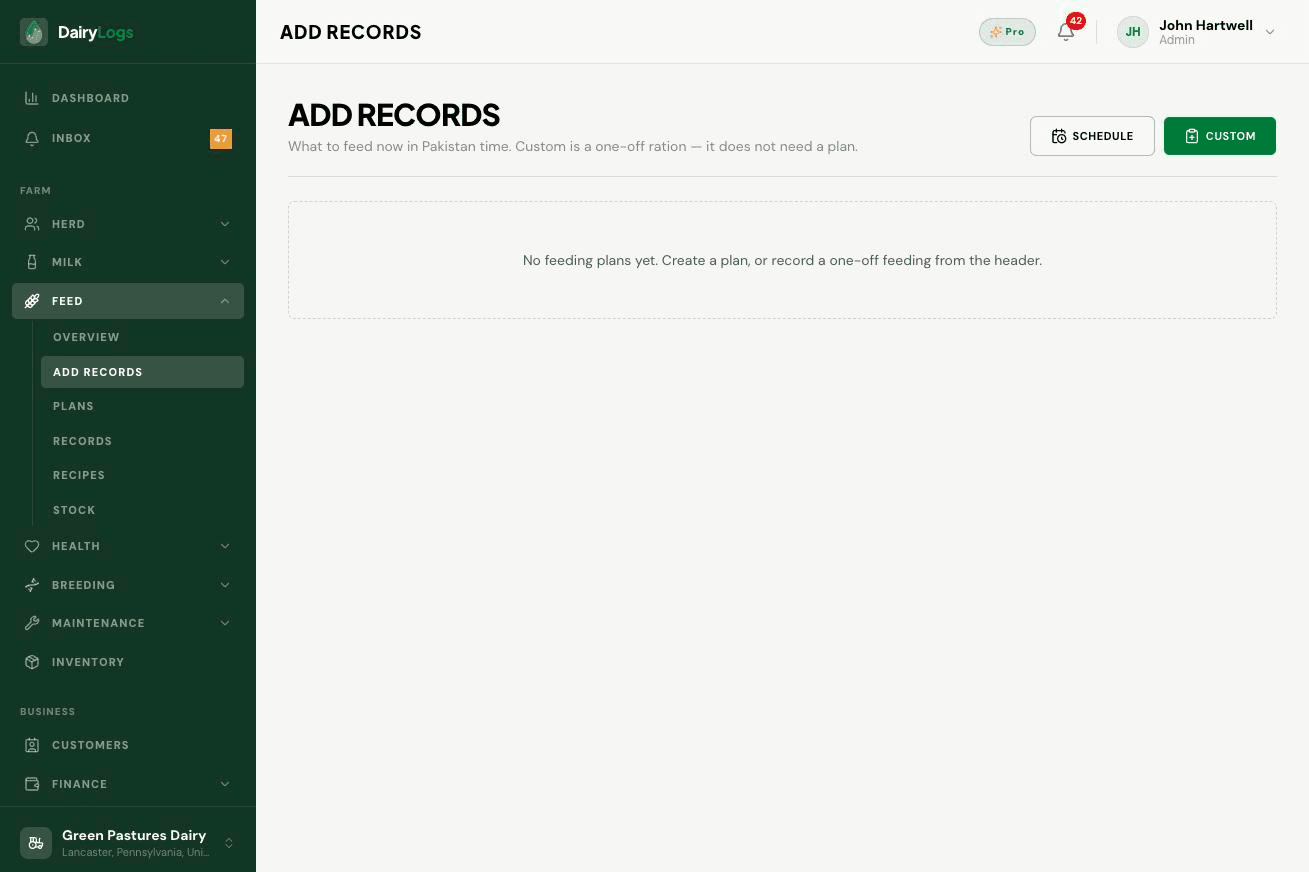
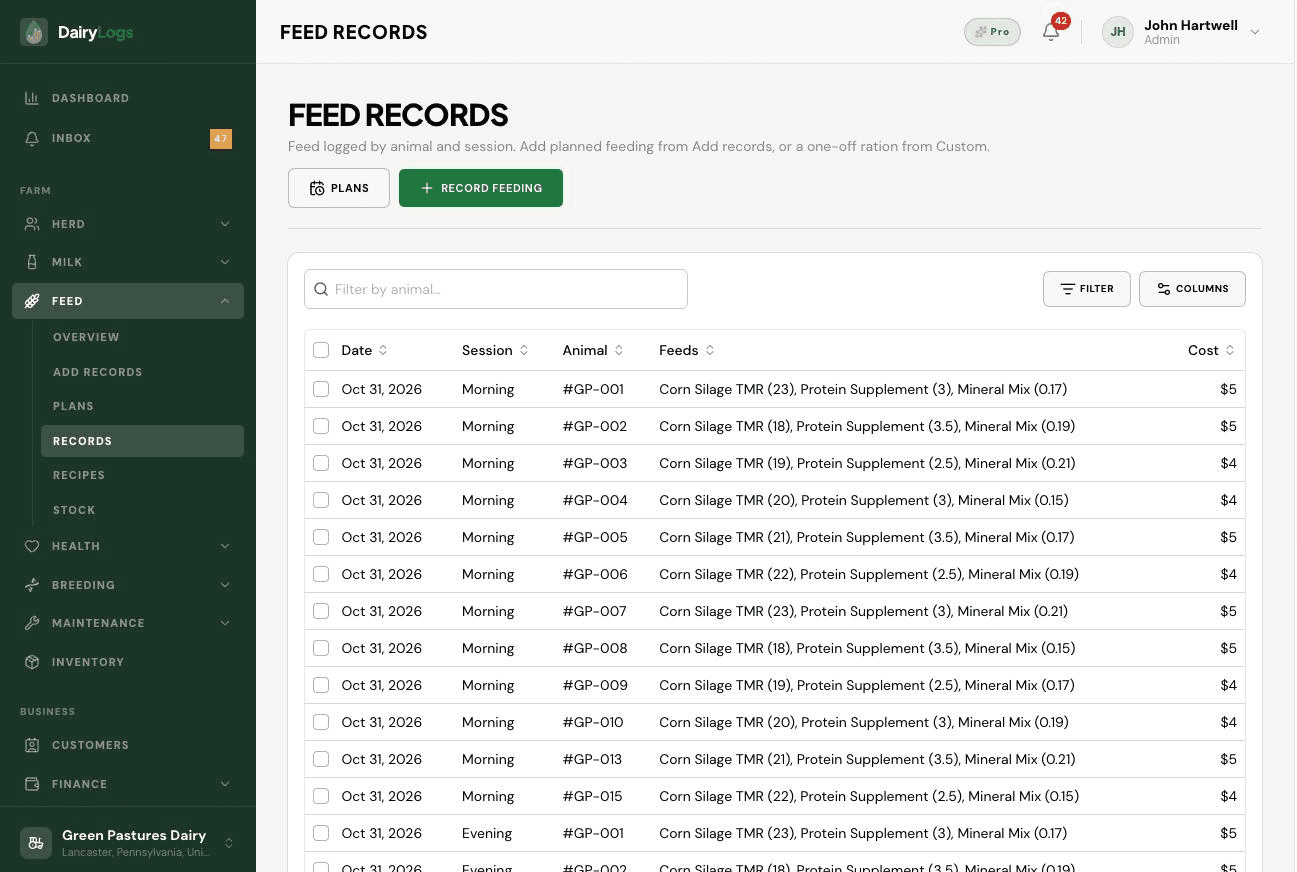
Log feeding in DairyLogs from Add records using scheduled plans or a custom one-off ration, then verify under Feed records.
Feed → Add records shows what to feed now based on plans, with Schedule and Custom one-off ration options. Saved feedings appear under Feed → Records with ingredients and cost deducted from stock.
Ready to try this on your farm? Create a free DairyLogs account and follow the same steps in your dashboard.
Related
— FAQ
Open Feed → Add records, choose Schedule (from a plan) or Custom, save, then confirm under Feed → Records.
Yes. Feed logs create outbound inventory movements so available quantity and WAC-based value update.
No plans are due yet, or stock/plans are not set up. Create a plan under Feed → Plans or log a Custom ration.
Put this into practice
DairyLogs helps you record milk, breeding, feed, health, and finance in one place — so the knowledge on this page becomes daily action.
Start free