— Guides · Herd
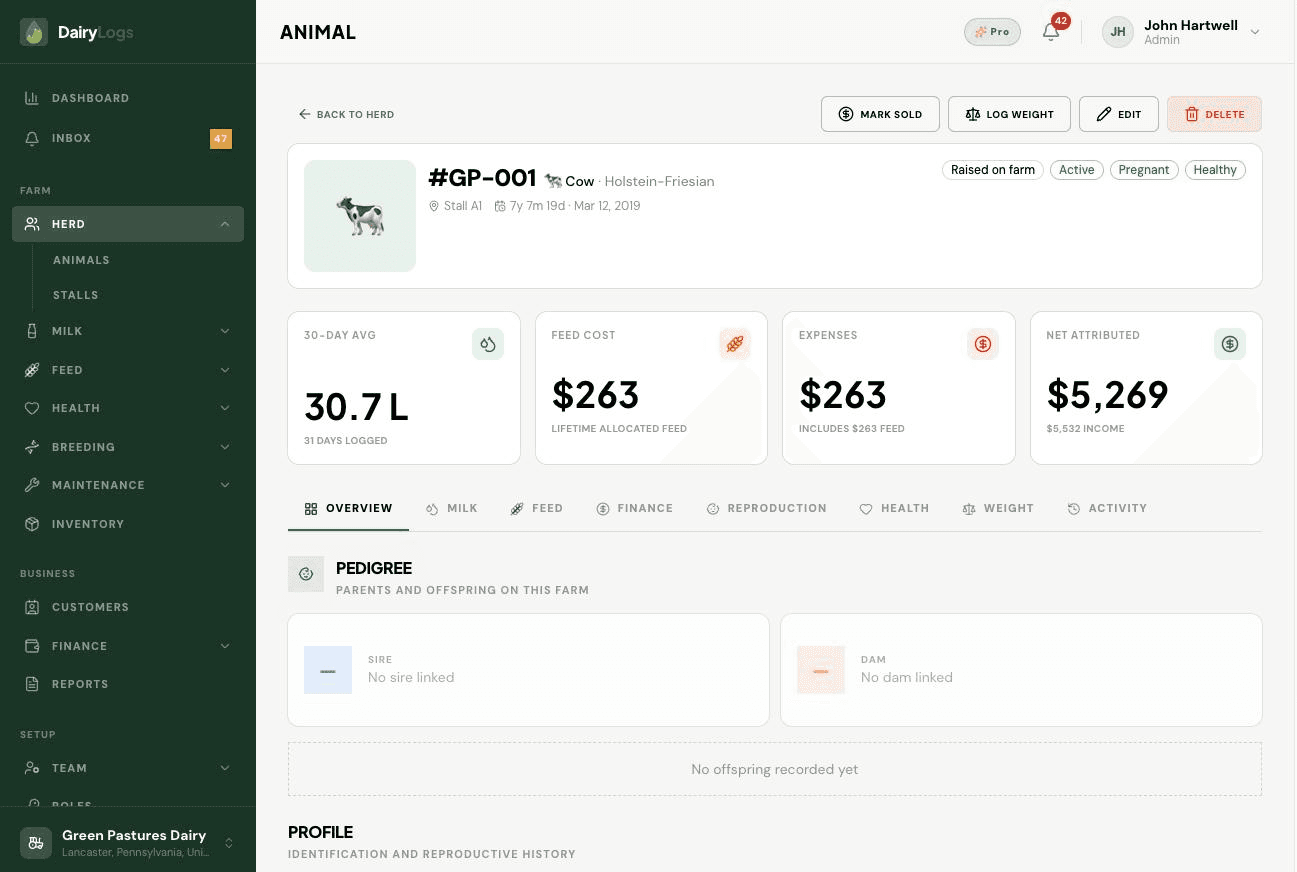
Transfer an animal to another DairyLogs farm or mark a sale/exit from the animal profile so herd counts stay accurate.
When an animal leaves the farm—sold, transferred to another DairyLogs farm, or otherwise exited—update status from the animal profile so milk, breeding, and herd totals stop counting her as active.
Ready to try this on your farm? Create a free DairyLogs account and follow the same steps in your dashboard.
Related
— FAQ
Open the animal profile, update status to reflect the sale/exit, and log the sale amount under Finance → Income (optionally linked to a customer).
A farm-to-farm handoff inside DairyLogs. You initiate transfer from the animal profile; the destination farm accepts before the animal moves onto their herd list.
Transfer moves the animal record according to the invite flow. Keep local finance and sale documentation on the selling farm for your books.
Put this into practice
DairyLogs helps you record milk, breeding, feed, health, and finance in one place — so the knowledge on this page becomes daily action.
Start free