— Guides · Breeding
Record observed heat in DairyLogs when logging a service by setting heat_observed on the insemination/service form.
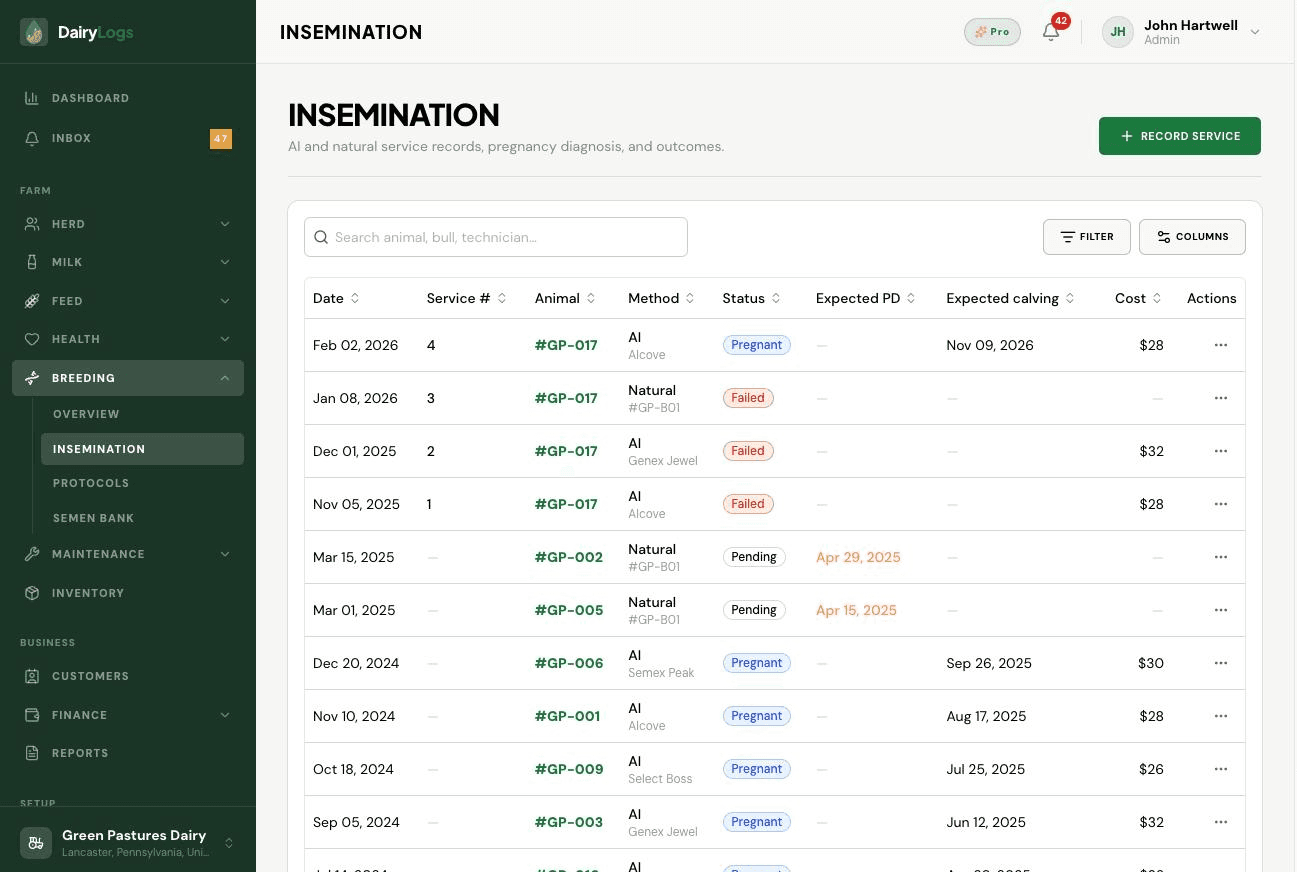
DairyLogs captures heat on the breeding service. When you log AI or natural service under Breeding → Insemination, set heat observed (heat_observed) so the heat event and service stay on the same timeline.
Ready to try this on your farm? Create a free DairyLogs account and follow the same steps in your dashboard.
Related
— FAQ
On Breeding → Insemination, create or edit a service and set heat observed (heat_observed) when estrus was seen for that breeding attempt.
Heat is recorded on the service/insemination record rather than a standalone heat-only page, keeping detection and breeding together.
You can still open a service workflow when you breed later; for protocol-driven heats, use Breeding → Protocols to track timed events.
Put this into practice
DairyLogs helps you record milk, breeding, feed, health, and finance in one place — so the knowledge on this page becomes daily action.
Start free