— Guides · Breeding
Record pregnancy diagnosis outcomes on DairyLogs breeding services so PD-due lists and animal status stay accurate.
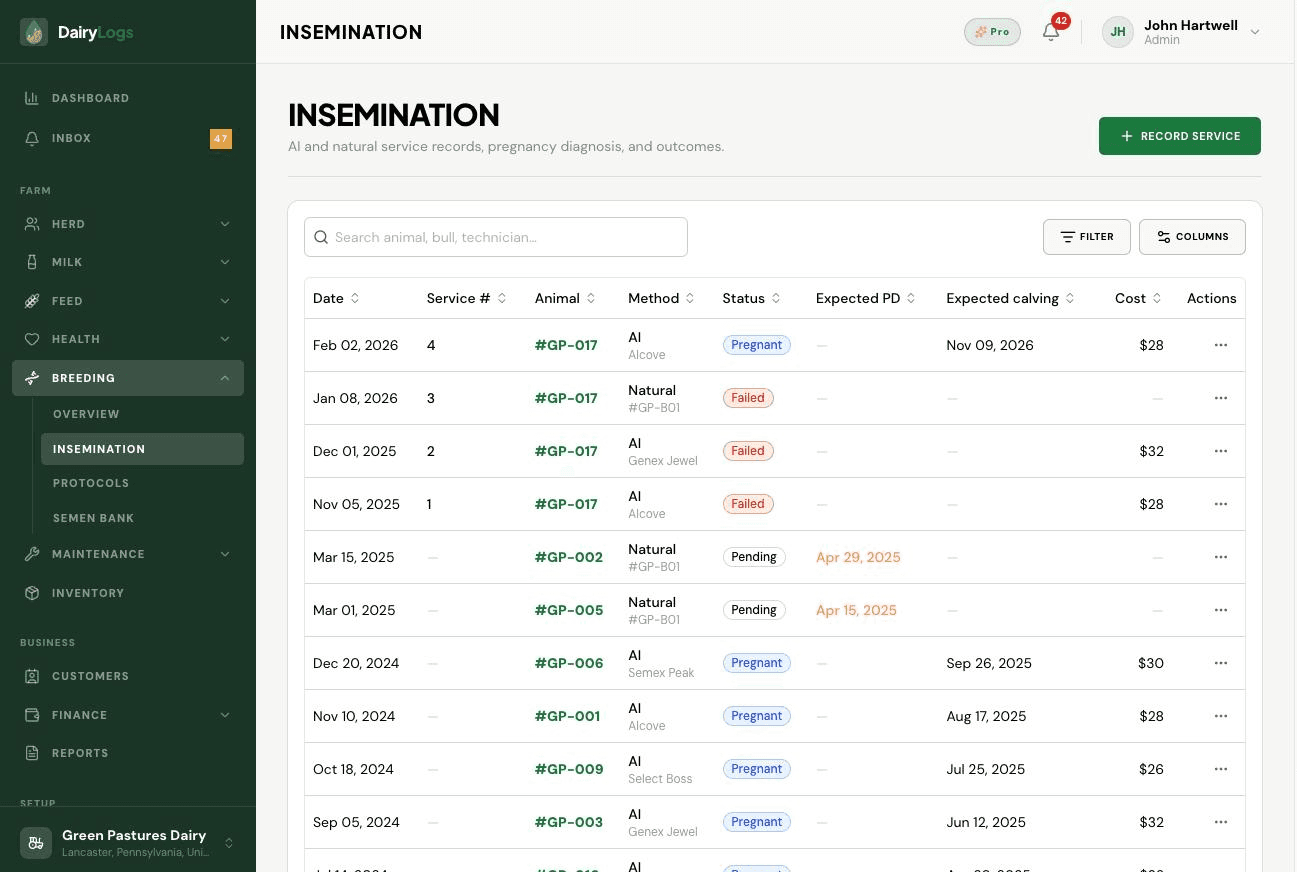
When pregnancy diagnosis is due, open the breeding service from Breeding overview or Insemination and record the PD outcome. Positive/negative results update status and clear PD-due pressure from overview and Inbox.
Ready to try this on your farm? Create a free DairyLogs account and follow the same steps in your dashboard.
Related
— FAQ
Open the service from Breeding overview (PD due) or Insemination and enter the pregnancy check date and outcome on that breeding record.
The service/animal returns toward open/ready-to-breed workflows so you can rebreed and clear overdue PD alerts.
No PD outcome was saved on the service, or a recheck date is still in the future/overdue.
Put this into practice
DairyLogs helps you record milk, breeding, feed, health, and finance in one place — so the knowledge on this page becomes daily action.
Start free