— Guides · Team & settings
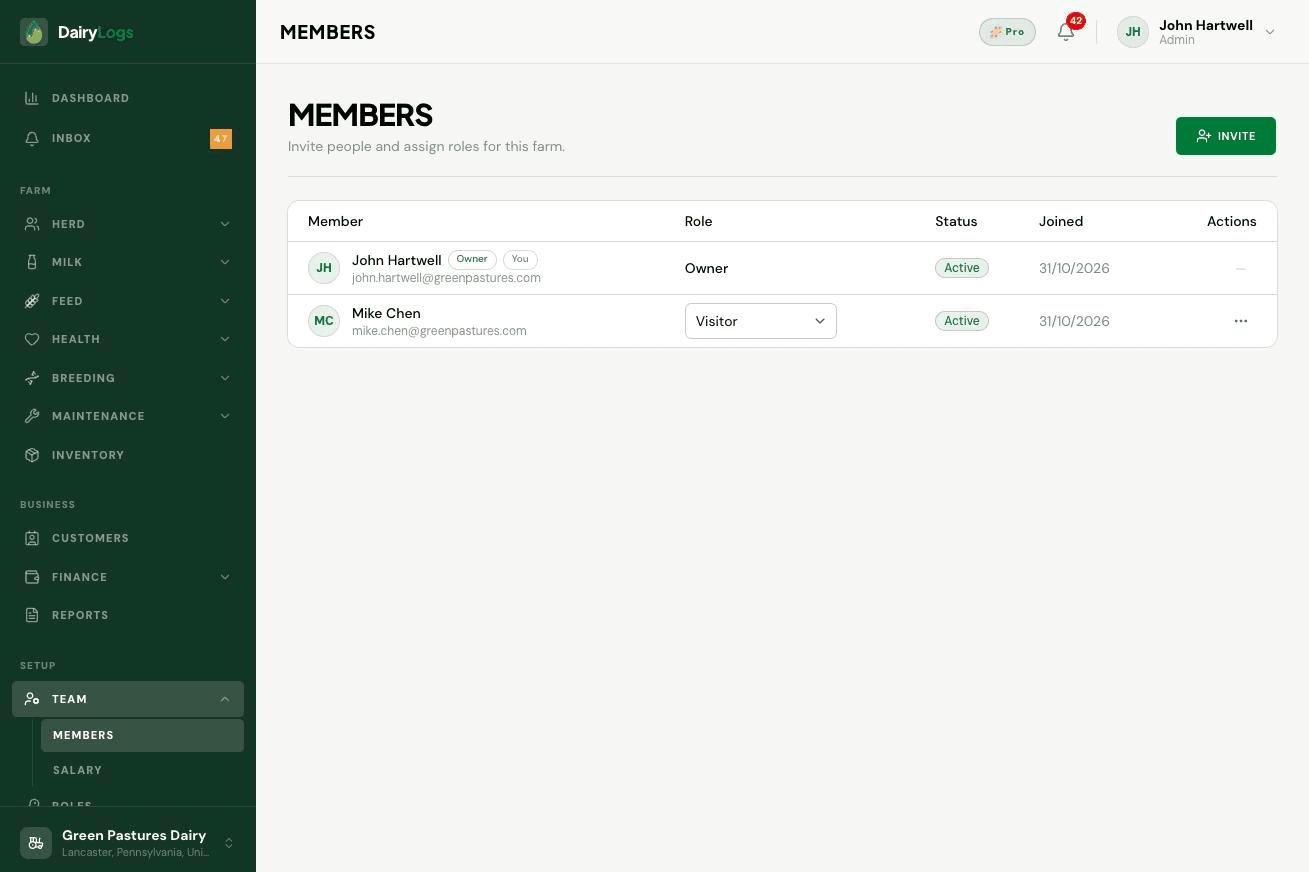
Invite DairyLogs farm users from Team → Members with role, status, and join date tracking.
Team → Members lists farm users with role, status, and join date. Use Invite to bring milkers, vets, accountants, and managers onto the same farm with the right role.
Ready to try this on your farm? Create a free DairyLogs account and follow the same steps in your dashboard.
Related
— FAQ
Open Team → Members, click Invite, enter their email, pick a role, and send. They appear with status and join date after accepting.
Yes—update the member’s role from Members, and refine module access under Roles & permissions.
Confirm the address, check spam, and resend from Members. They must use the invite link while signed into that email.
Put this into practice
DairyLogs helps you record milk, breeding, feed, health, and finance in one place — so the knowledge on this page becomes daily action.
Start free