— Guides · Herd
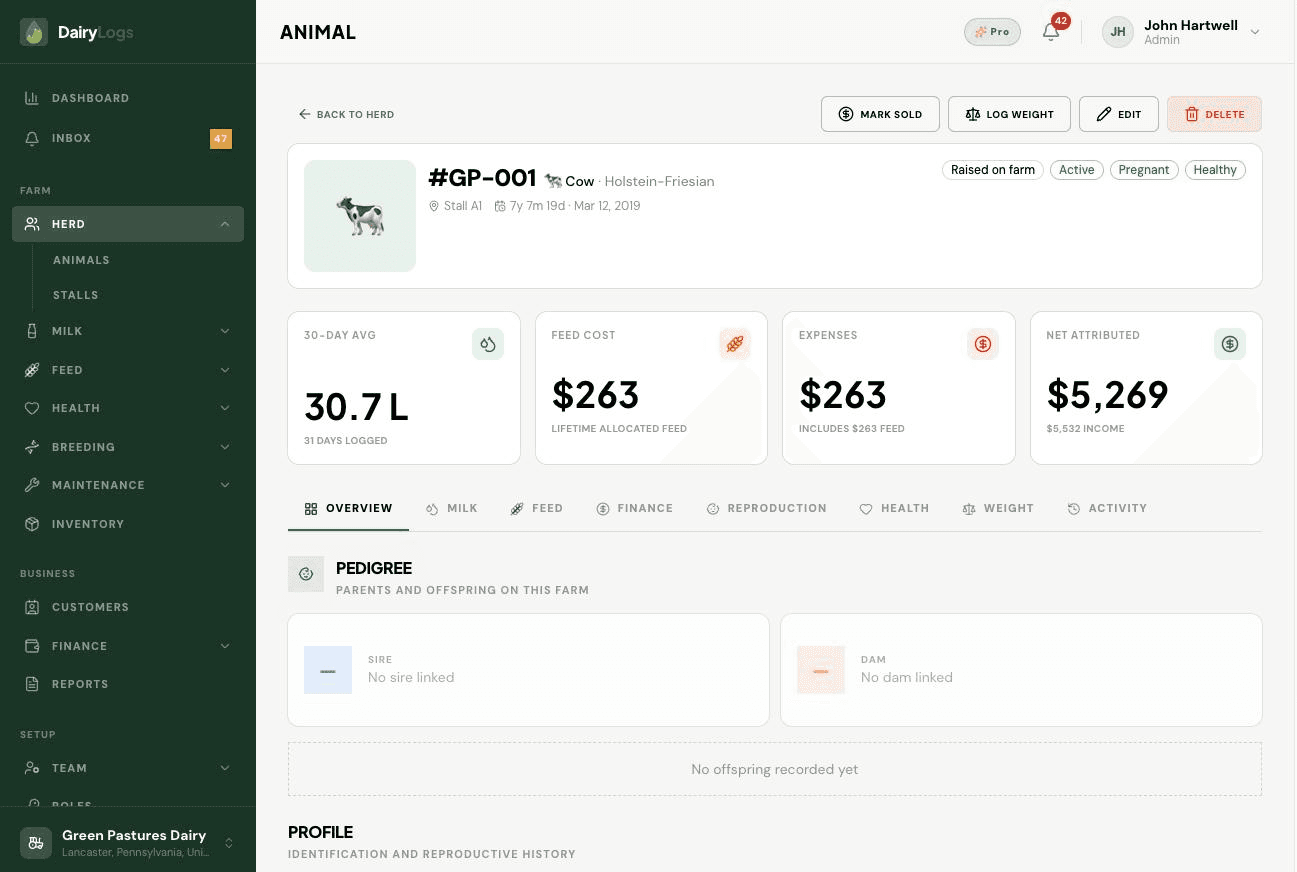
Edit a DairyLogs animal from its profile to update tag, stall, breed, status, pedigree, and other herd fields.
When tag, stall, breed, status, or pedigree details change, edit the animal from its profile so milk, breeding, and health logs stay keyed to the correct record.
Ready to try this on your farm? Create a free DairyLogs account and follow the same steps in your dashboard.
Related
— FAQ
Open the animal from Herd, click Edit on the profile (or visit /dashboard/herd/[id]/edit), update fields, and save.
Yes—edit the tag on the animal form. Prefer a one-time correction so historical milk and health rows still match how staff speak about the animal.
No. Status and profile edits do not delete past milk, feed, or health records; they change how the animal appears going forward.
Put this into practice
DairyLogs helps you record milk, breeding, feed, health, and finance in one place — so the knowledge on this page becomes daily action.
Start free